
Patient Portal
Secure Patient Portal
Access appointments, forms, telehealth visits, secure messages, billing, and treatment resources through the Resilient Psychiatry and Wellness patient portal.

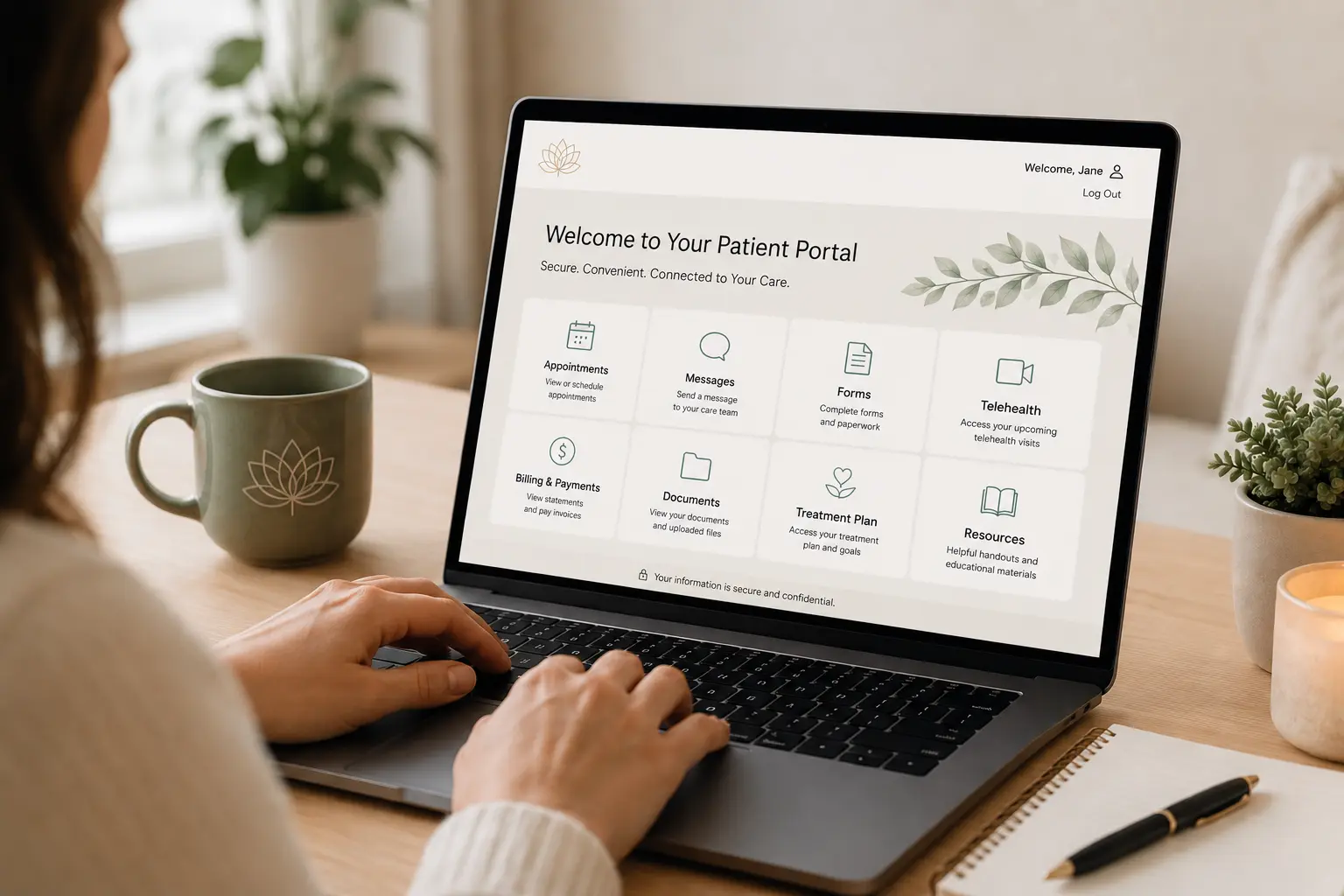
Designed for convenience and accessibility, the portal provides a secure online connection to your care. Whether you’re preparing for your first appointment, managing ongoing treatment, or accessing telehealth services, the portal makes it easier to stay engaged in your care from home.
Access Patient PortalThe patient portal provides convenient online access to important tools and resources for managing your care.
Request, schedule, and manage upcoming appointments.
Set reminders and receive appointment notifications.
Complete intake paperwork and required documents electronically.
Join secure telehealth appointments online.
Send secure, non-emergency messages through the patient portal.
Access completed forms and uploaded files.
View and pay invoices online.
Access treatment plans, handouts, educational materials, and superbills.
Patients who have scheduled an appointment and completed registration may use the patient portal.
Yes. Telehealth appointments can be accessed directly through the patient portal.
Yes. Intake forms and required documents can be completed electronically through the portal.
Yes. The portal is designed to securely manage patient information, forms, communications, billing, telehealth visits, and other care-related resources.
Use the secure patient portal to manage appointments, forms, telehealth visits, messages, billing, and treatment resources.
Access Patient Portal